

Time Doctor 2
This data source connector uses the Time Doctor 2 API to import data from Time Doctor 2.
Configuration
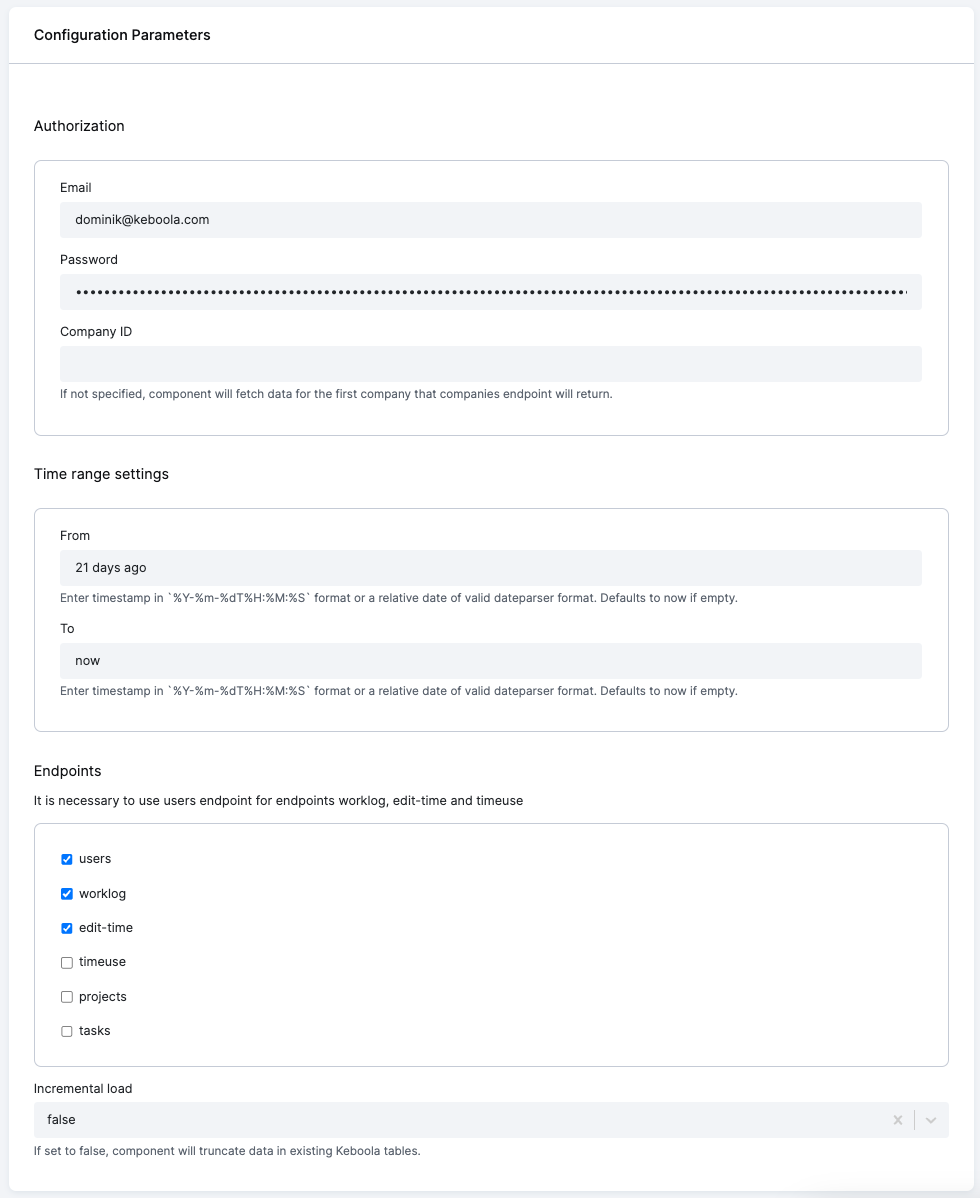
Section titled “Configuration”Create a new configuration of the Time Doctor 2 connector. You need to provide an email address and the password of a user with appropriate access rights.
To configure what data you want to extract, you can use the following parameters:
Authorization
Section titled “Authorization”email– [REQ] Email address of the user the API will be authenticated with#password– [REQ] Password of the user the API will be authenticated withcompany_id– [OPT] If not specified, the component will fetch data for the first company that the companies endpoint will return.
Time Range Settings
Section titled “Time Range Settings”From- [OPT] Enter the timestamp in%Y-%m-%dT%H:%M:%Sformat or a relative date of valid dateparser format. Defaults to now if empty.To- [OPT] Enter the timestamp in%Y-%m-%dT%H:%M:%Sformat or a relative date of valid dateparser format. Defaults to now if empty.
Endpoints
Section titled “Endpoints”users– [OPT] this endpoint is required for the processing worklog, edit-time and timeuse endpointsworklog–– [OPT] fetches data from the worklog endpointedit-–ime– [OPT] fetches data from the edit-time endpointtimeuse– [OPT] fetches data from the timeuse endpointprojects– [OPT] fetches data from the projects endpointtasks– [OPT] fetches data from the tasks endpoint
Additional Settings
Section titled “Additional Settings”users- [OPT] If set to false, the component will truncate data in the existing Keboola tables.
When done, save the configuration.