

GoodData Reports
The GoodData Reports data source connector uses the GoodData API to import reports from the GoodData business intelligence platform and stores the data in Keboola Storage.
Configuration
Section titled “Configuration”Create a new configuration of the GoodData Reports connector. Type in your GoodData host: secure.gooddata.com, keboola.eu.gooddata.com, or a custom host. Find the host by opening the report you wish to extract.
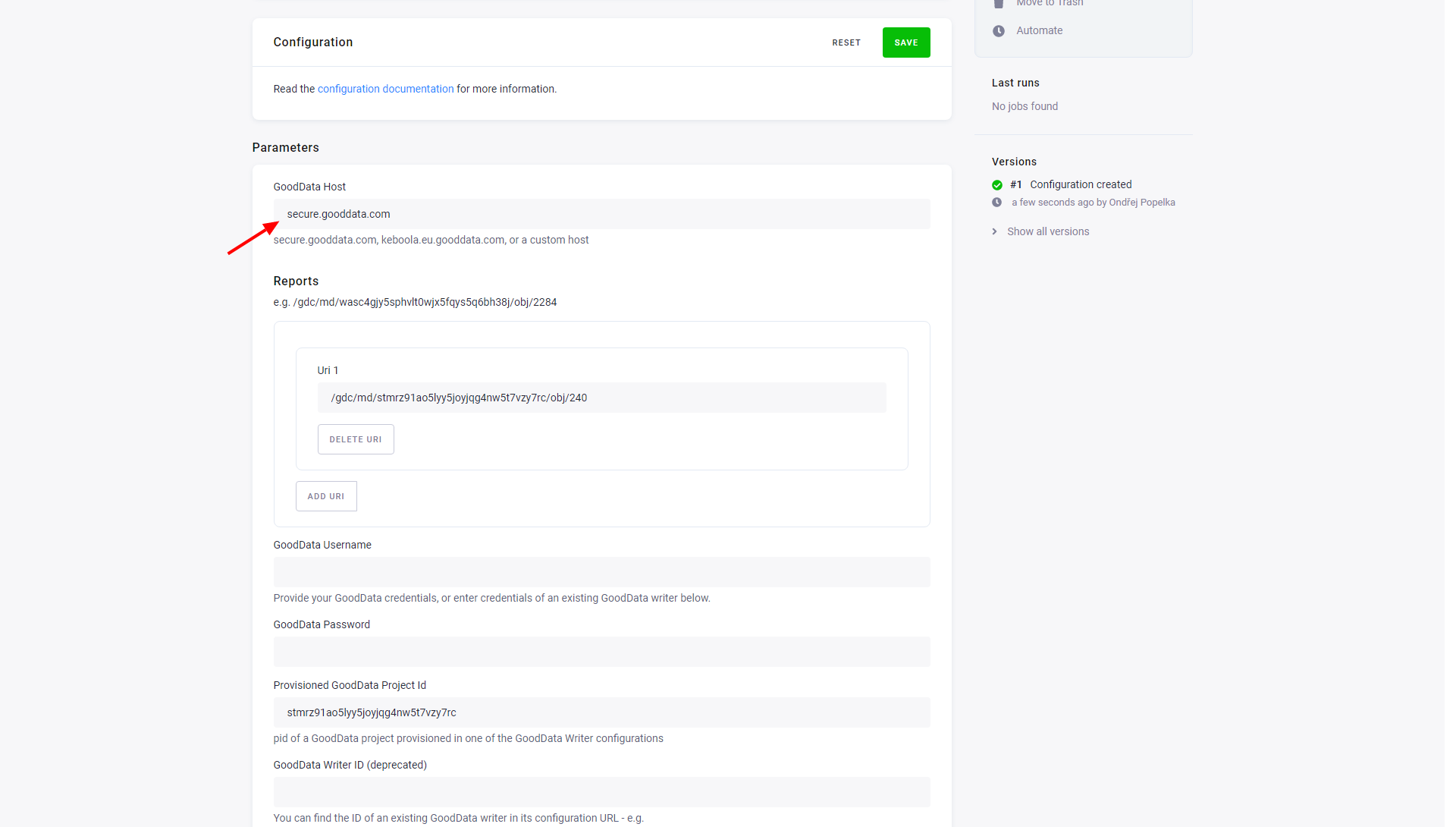
Reports
Section titled “Reports”To select which reports to download, set one or multiple Uniform Resource Identifiers (URI).
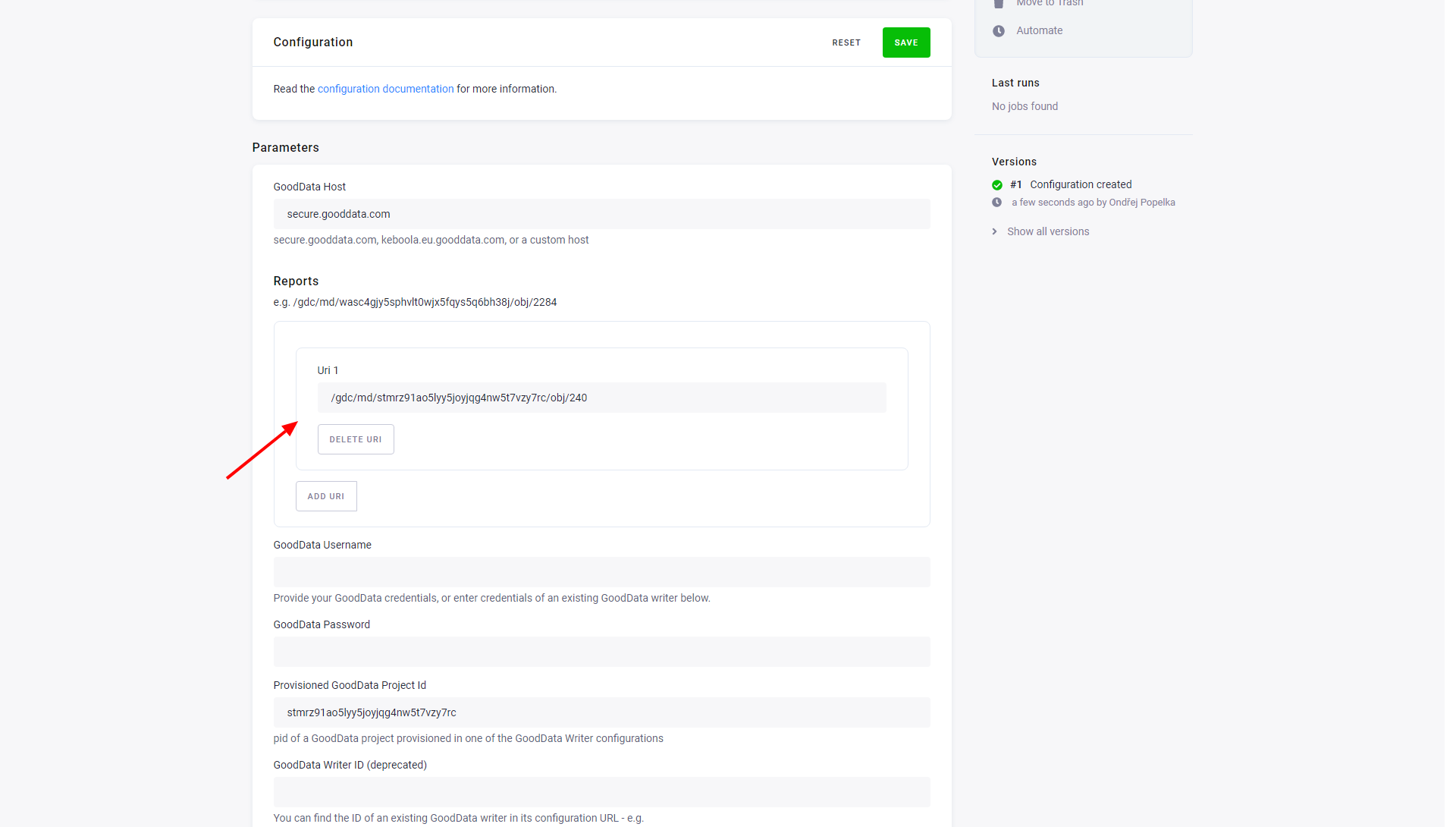
When you open a report in your browser, the URL in the address field will look similar to this:
https://secure.gooddata.com/#s=/gdc/projects/wasxxxxxxxxxxxxxxxxxxxxxxxxxmox|analysisPage|head|/gdc/md/zggxxxxxxxxxxxxxxxxxxxxxxxxxmox/obj/71The part in form /gdc/md/zggxxxxxxxxxxxxxxxxxxxxxxxxxmox/obj/71 is the report URI.
Credentials
Section titled “Credentials”Continue by providing your own GoodData credentials.
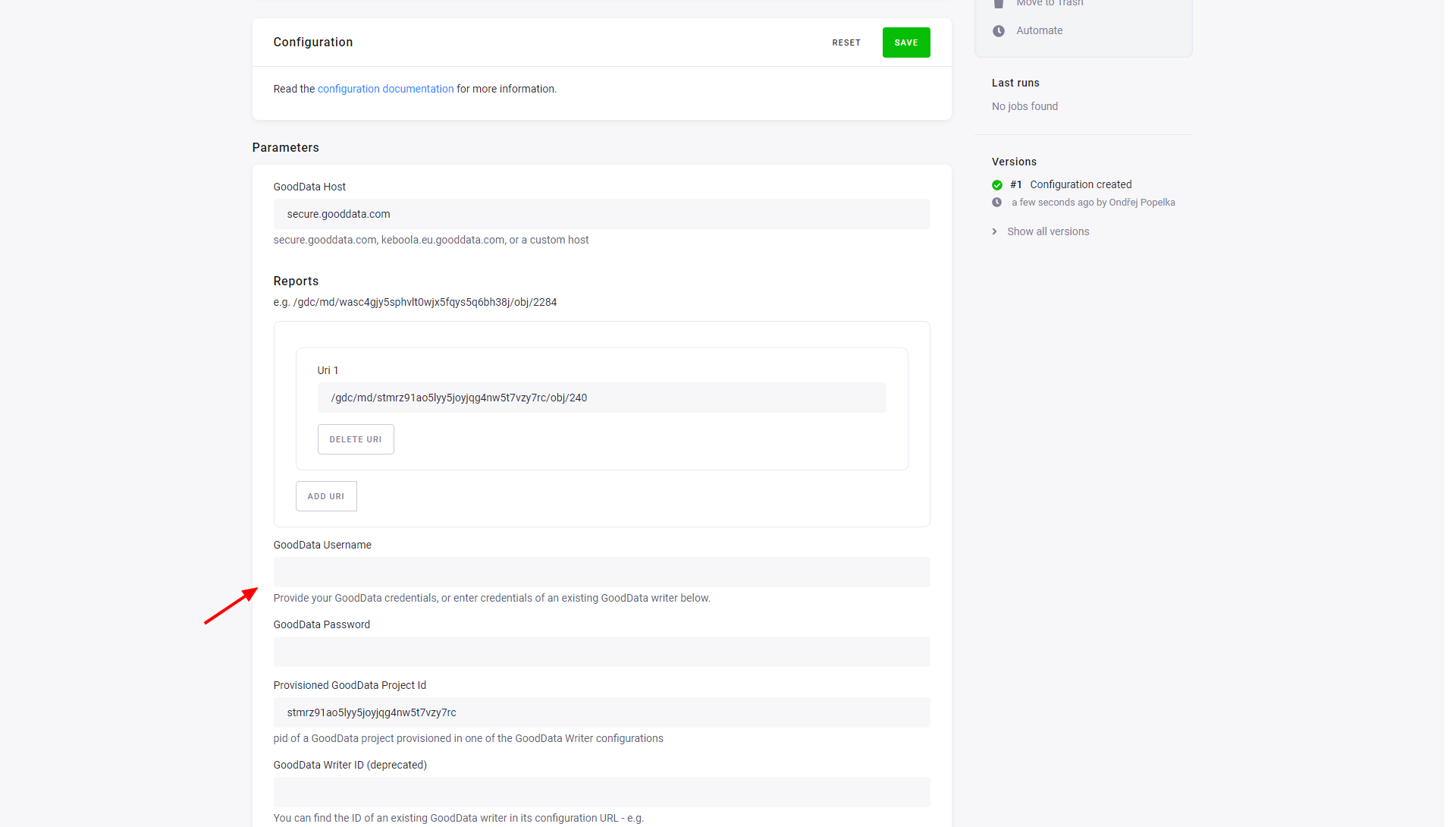
You can also choose an ID of the GoodData Project provisioned in one of the existing GoodData data destination connector configurations and use its credentials. The project ID (PID) of the provisioned project can be found in a GoodData data destination connector configuration.
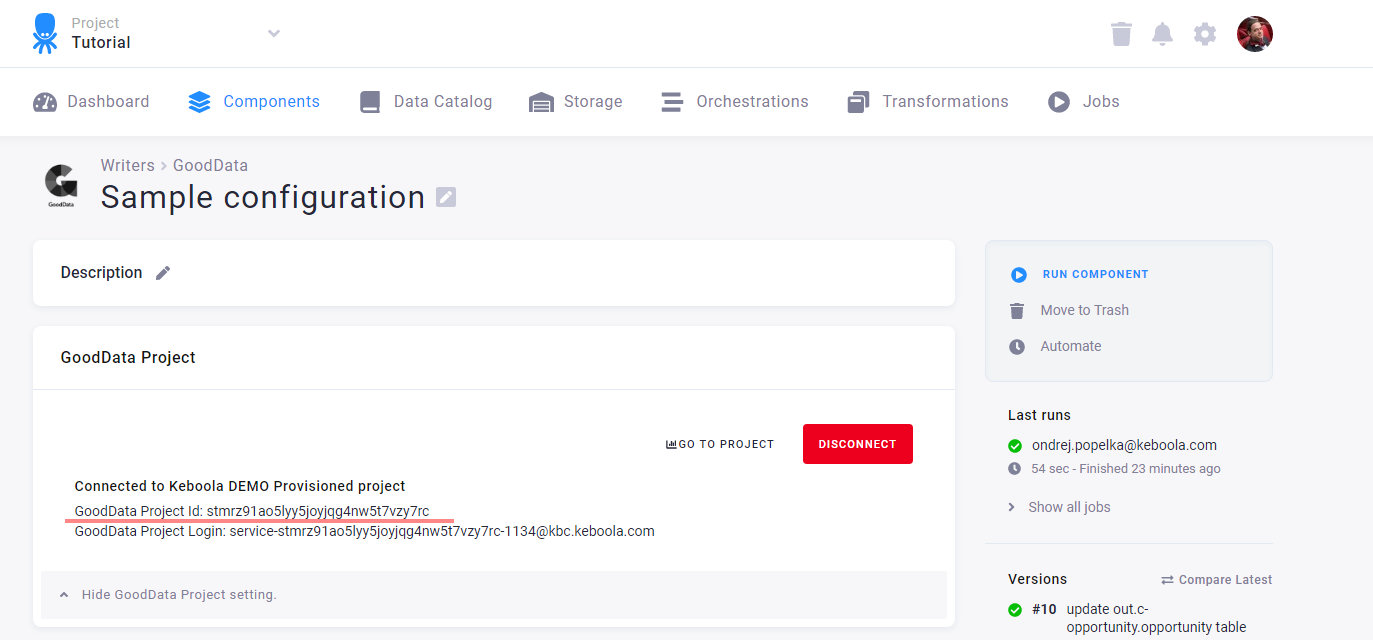
Copy the project ID from the data destination connector to the data source connector:
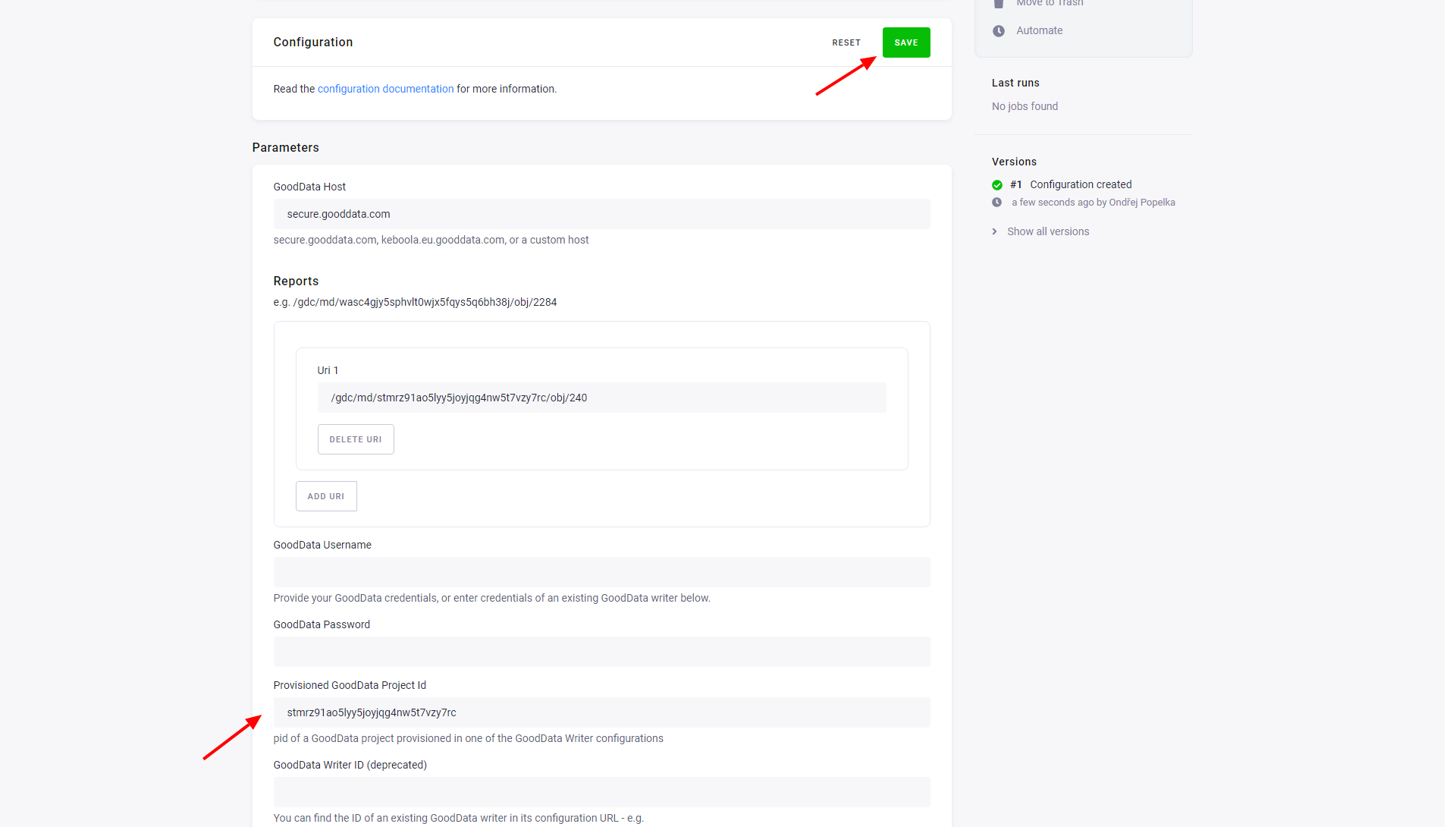
When finished, remember to Save the configuration before you run the extraction. The data source connector will download the report contents as a CSV file and store it as a table in Keboola Storage.