

Pipedrive
This data source connector uses the Pipedrive API to import data from Pipedrive.
Configuration
Section titled “Configuration”Create a new configuration of the Pipedrive connector.
To configure this connector, you need to provide an API token. You can get it by clicking the Get API Token link. Then enter your company domain (if your Pipedrive is at https://keboola.pipedrive.com, your company domain is keboola).
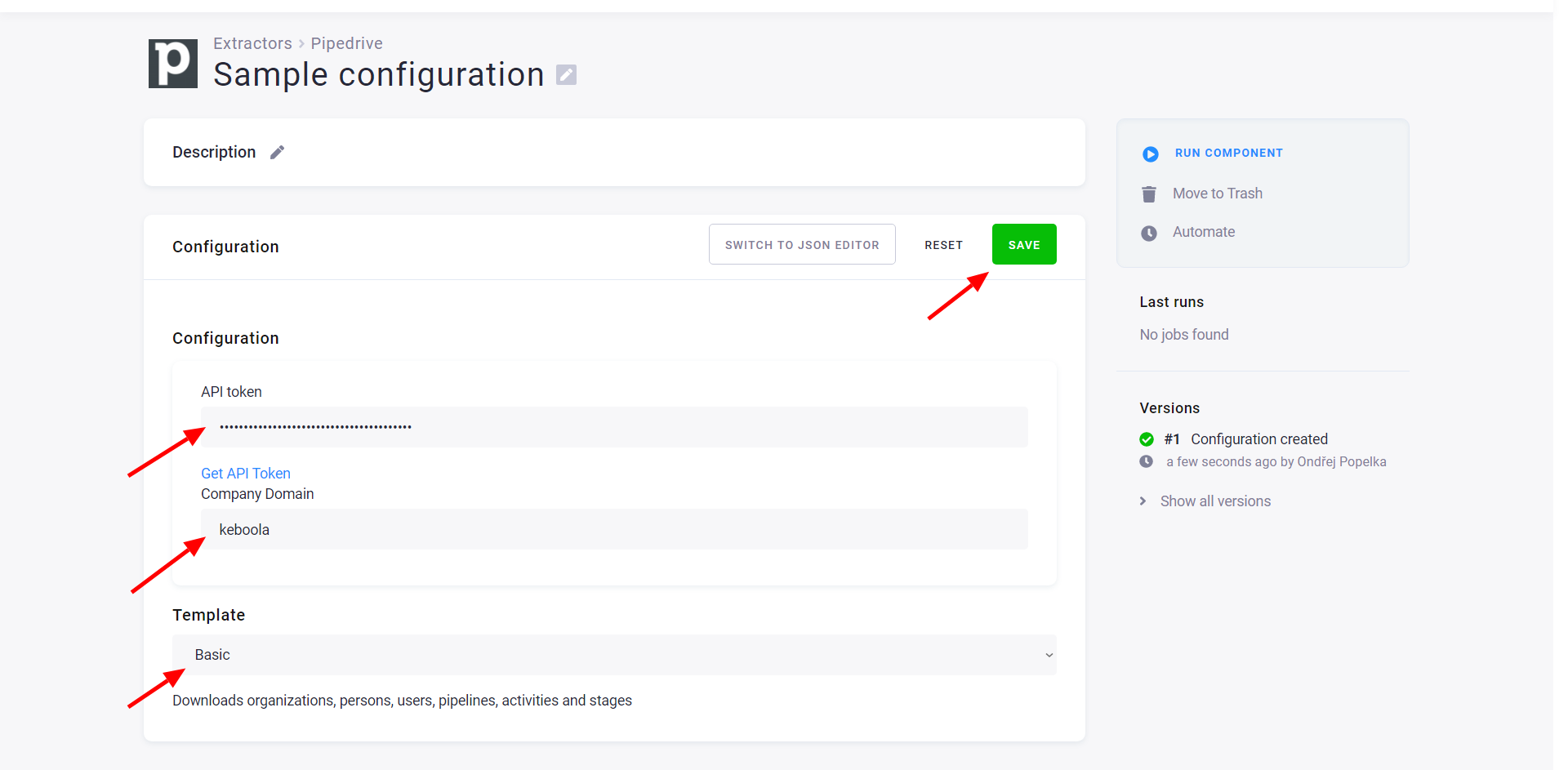
To configure what data you want to extract, select one of the configuration templates. There are two templates available:
- Basic — downloads organizations, persons, users, pipelines, activities, stages, etc.
- Extended — downloads also deals and additional fields to the above.
When done, save the configuration. You can also switch to the JSON editor.